- Craft
- Process
Planning an FPV shot: how we get from idea to take
· 2 min read · Manmadecinematics
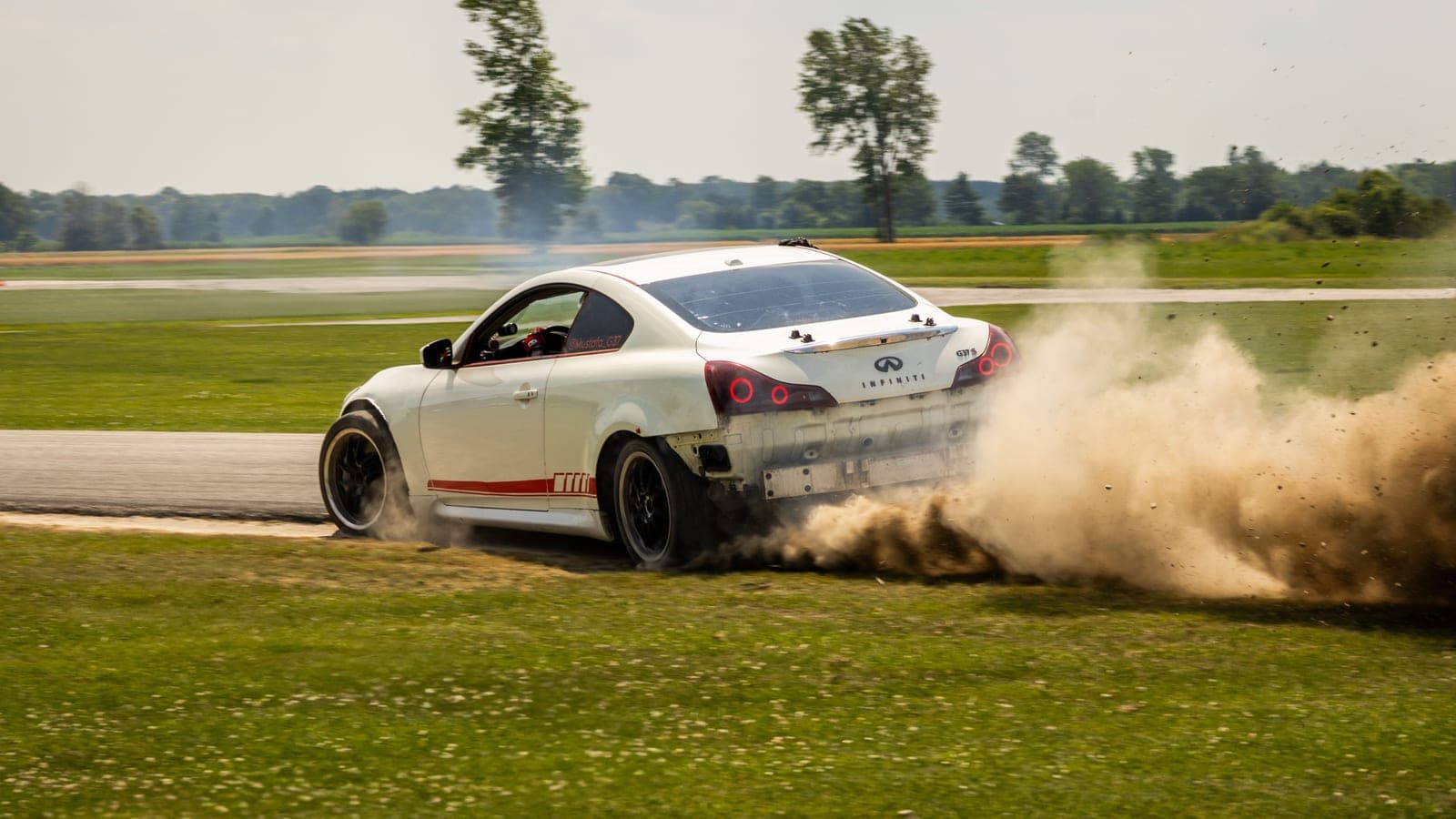
On screen an FPV move can feel spontaneous. Behind it there is almost always a plan, because the pilot, the director and everyone near the flight area need to know what is about to happen. If we cannot describe the shot in one sentence, it is not ready to fly.
1. Know the location
We visit the site where we can, and study maps and imagery where we cannot. We want to know where the aircraft launches and lands, where the wires, trees and fences are, where people will stand, and where the sun will be at the planned time of day. Most problems are cheaper to solve on a map than on the day.
2. Draw the path
We sketch the route on a simple plan: start, key moments, end. Then we mark the safe zones, the areas we will not enter and the places where the pilot can abort. A shot with a clear escape route can afford to be bolder, which usually makes it better.
3. Set the camera for motion
- Shutter speed near twice the frame rate (a 180 degree shutter) gives natural motion blur. Neutral density filters hold the exposure in bright light.
- The frame rate is chosen to match the edit. We shoot a little wider than the final frame so there is room to reframe or stabilise.
- Where the situation allows, we lock exposure and white balance so the colourist receives consistent material.
4. Rehearse without the subject
We fly the route empty, first slowly and then at speed. Signals with the driver or talent are agreed on the ground. Rehearsal is also when we find that the sun flares exactly where the move peaks, while the plan is still cheap to change.
5. Plan the batteries like the schedule
Flight times are measured in minutes, so the shoot is paced by charged batteries. We count how many takes each move may need, add margin, and save the pack for the most important take for when light and conditions are at their best. We follow the local rules and any permissions that apply to the site.